
oScan
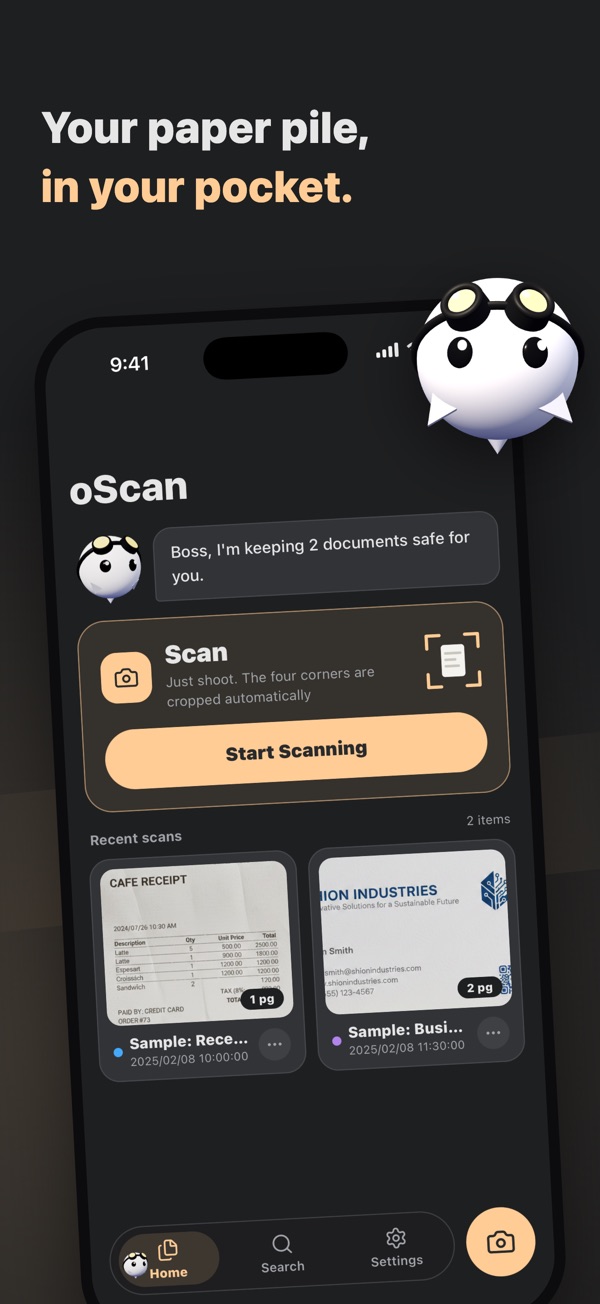
Scan documents into PDFs. Search by the text inside, with no limit on scans. Images are never sent anywhere.

Description
oScan - Just Point and Scan
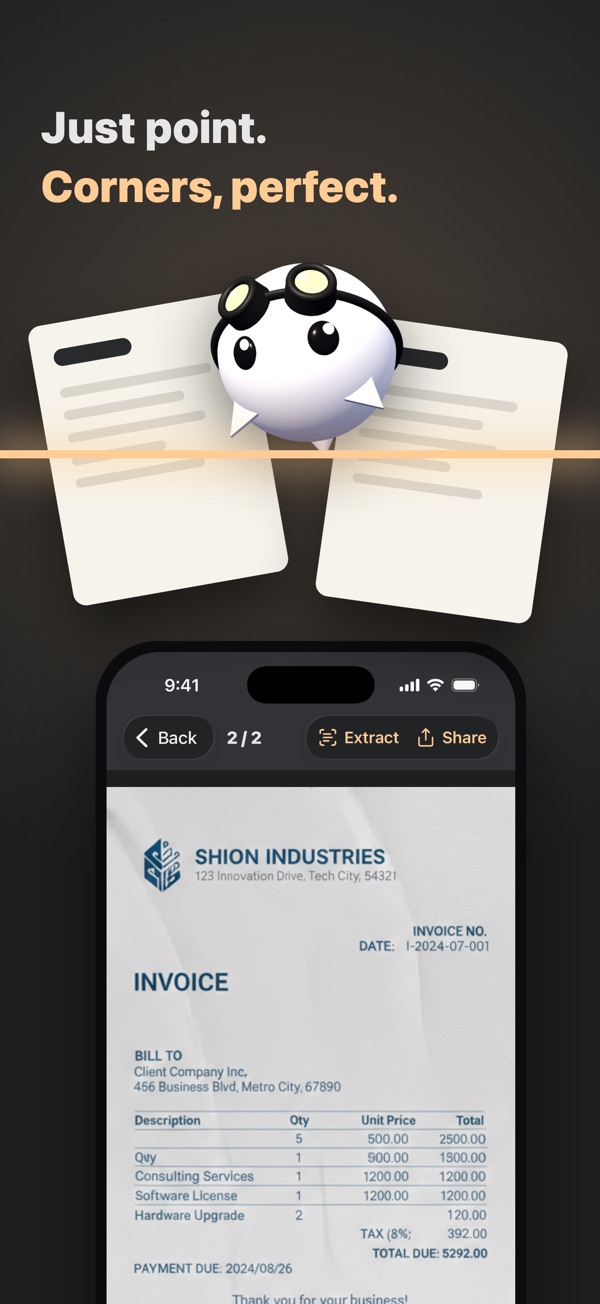
Hold your phone over a paper document. oScan finds the four corners, crops it straight, and saves a clean copy. Find any scan by the words inside it, and merge any number of pages into one PDF.
What You Can Do
- Point to scanoScan finds the document's corners and crops it straight for you.
- No page limitsScan as many pages as you like.
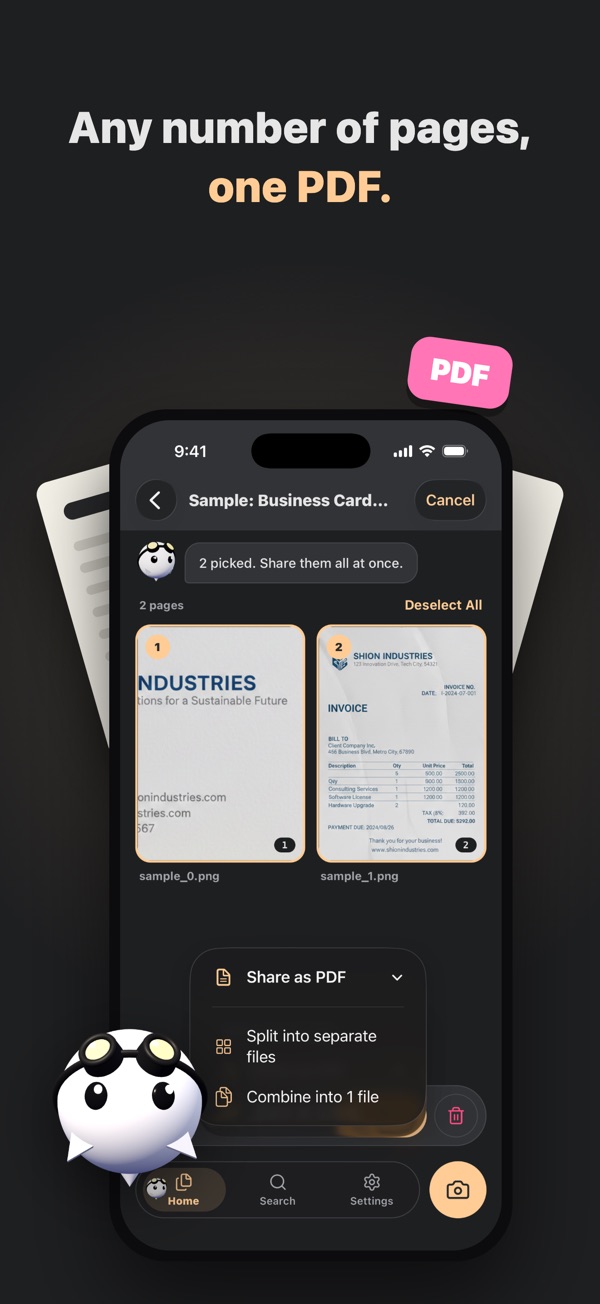
- Merge into PDFShare one combined PDF, a separate PDF for each page, or plain images.
- Text recognitionRead the text in a document and copy it.
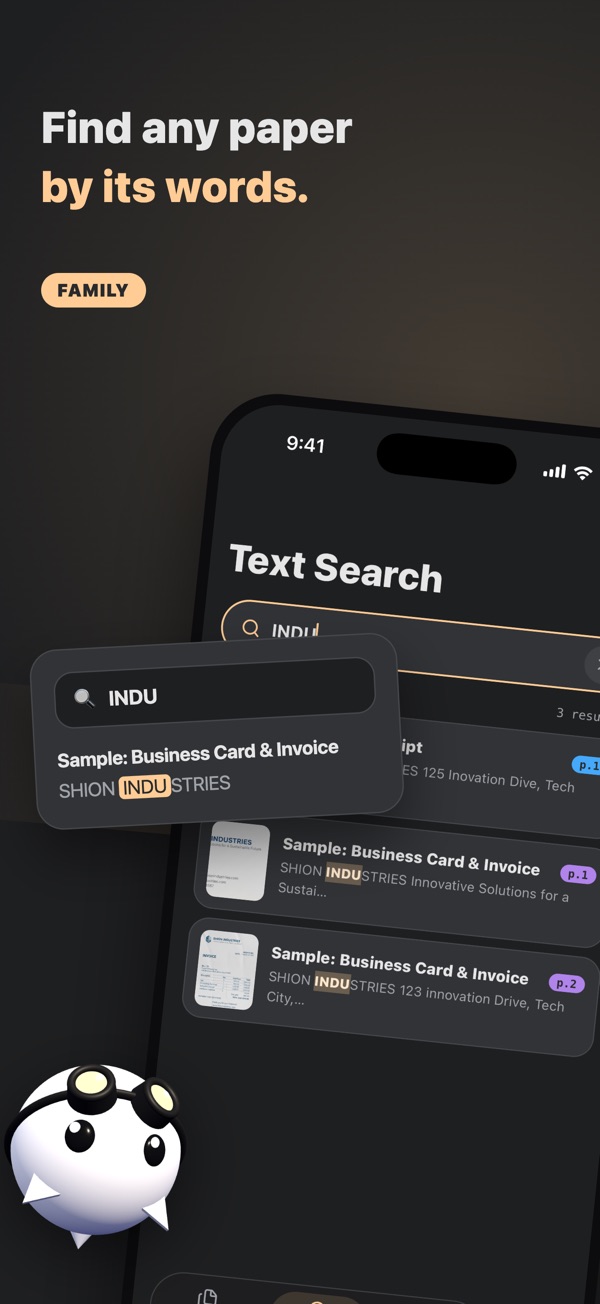
- Search by text (Family)Find saved documents by the words written in them.
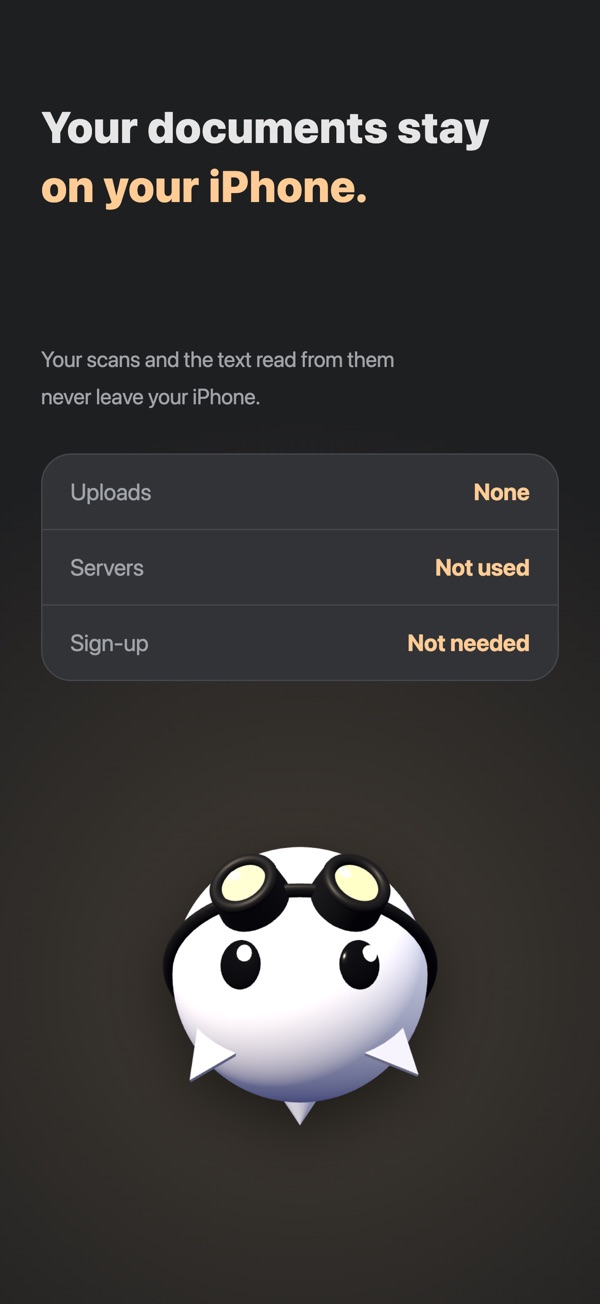
Your Documents Stay on Your Device
Your scans and the text read from them are saved on your device. Text recognition also runs on the device, so your documents are never sent to a server. No sign-up needed.
oScan Family
Join the Family to get:
- No ads
- Text recognition on every page
- Search by text
Choose from three plans:
- Yearlyincludes a 1-week free trial
- Monthlyincludes a 1-week free trial
- Lifetimepay once, Family for life
Not a member? Watch a short video ad to read the text on a page, up to 3 pages a day.