
oConvert
Video, photo and audio converter. Just pick what you want to do. Converts on your device and never sends files anywhere.
Description
oConvert — Video, photo & audio tools. Just pick what you want to do.
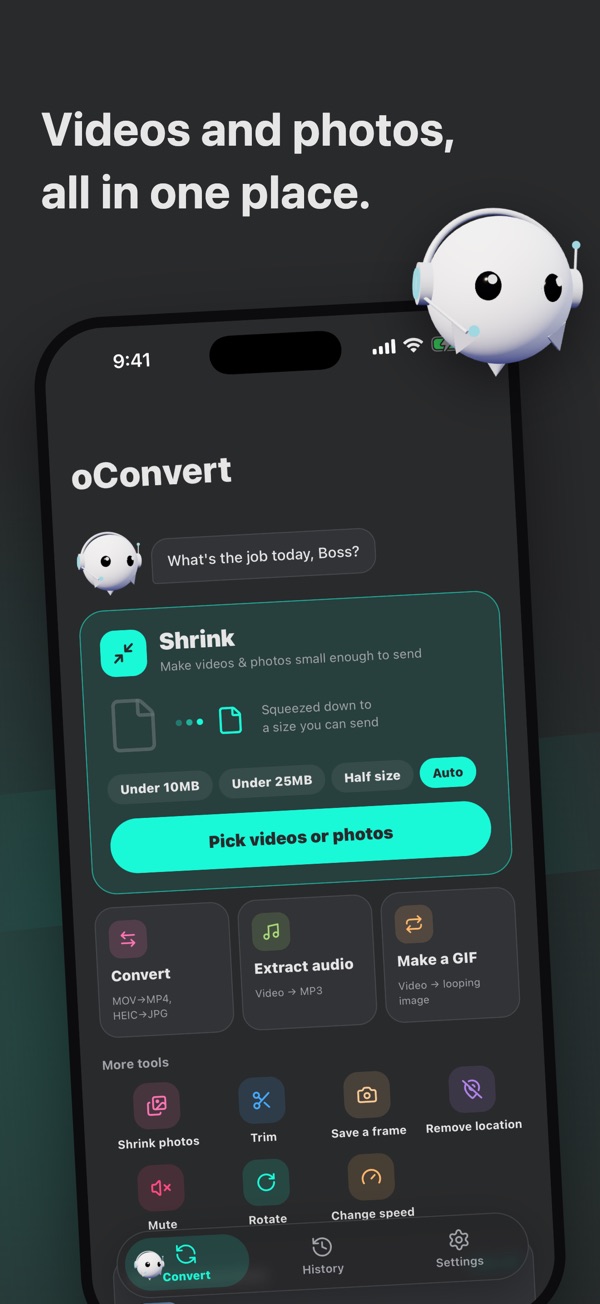
"What are we doing today, boss?"
A little ghost in a headset helps you convert.
Pick what you want to do, then pick your file. No complicated settings.
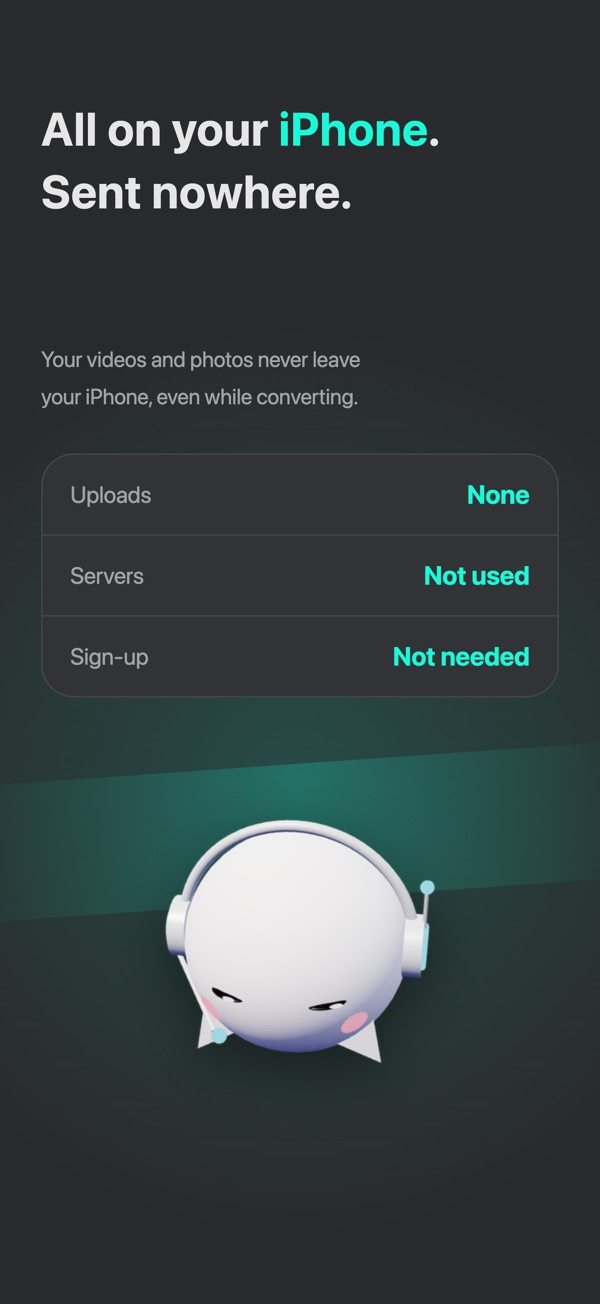
Your files never leave your device
Every conversion happens right on your iPhone.
- PrivateYour videos and photos are never uploaded to a server.
- FastNo waiting for uploads or downloads.
- Works without internetConvert even with no signal.
What you can do
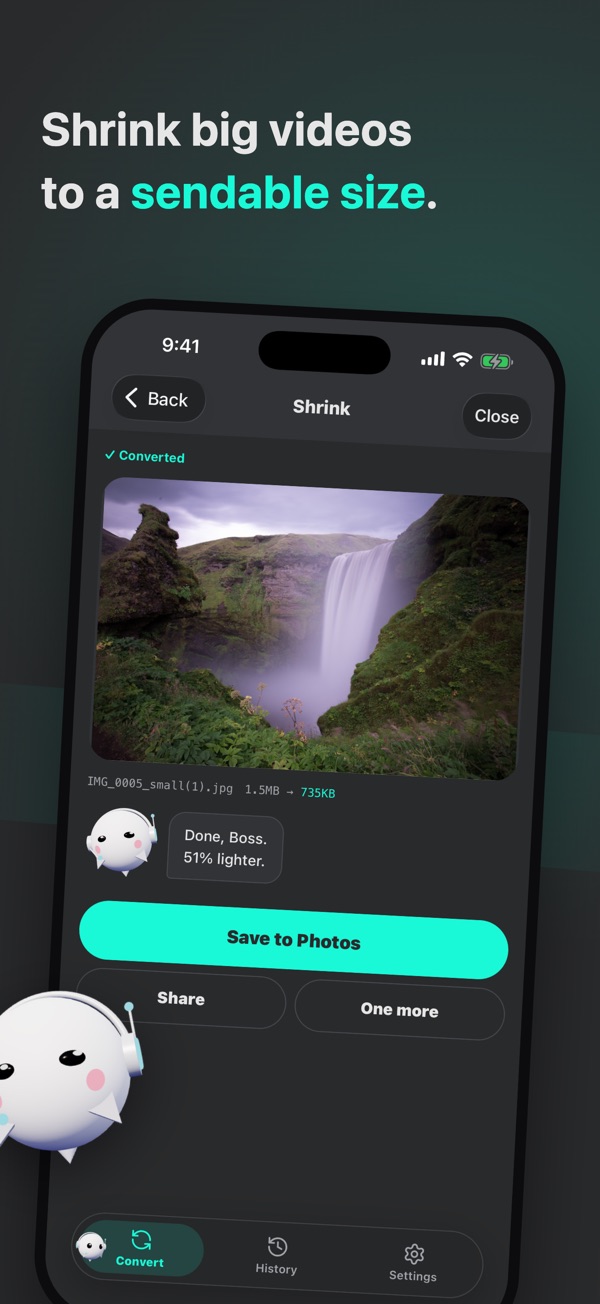
- ShrinkMake videos and photos small enough to send. Choose "Under 10 MB", "Under 25 MB", "Half size" or "Auto".
- ConvertMOV to MP4, HEIC to JPG. Not sure? The ghost picks a recommended format.
- Extract audioPull just the sound out of a video as MP3 and more.
- Make a GIFTurn a video into a looping GIF.
- TrimKeep only the part of a video you want.
- Save a frameSave one moment of a video as a photo.
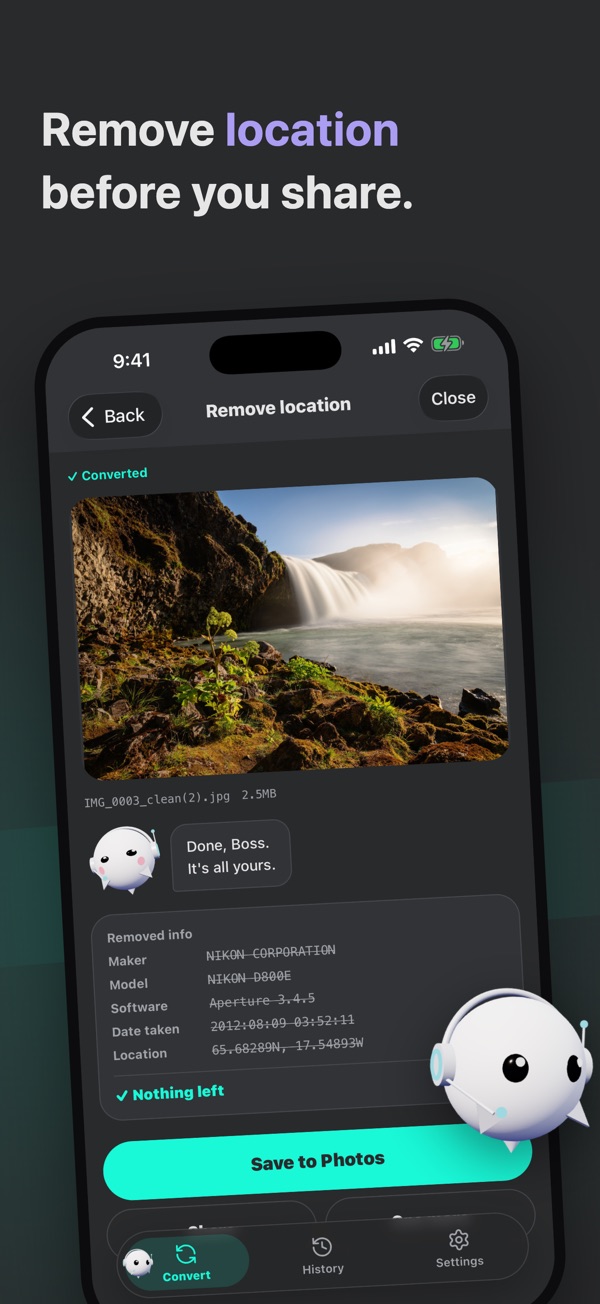
- Remove locationStrip the place, date and other details from a photo before you send it. You can check what was removed right away.
- RotateIn 90° steps, or 1° at a time with your finger. Straighten tilted videos and photos.
- Change speed0.5x, 1.5x, 2x.
- MuteRemove just the sound from a video.
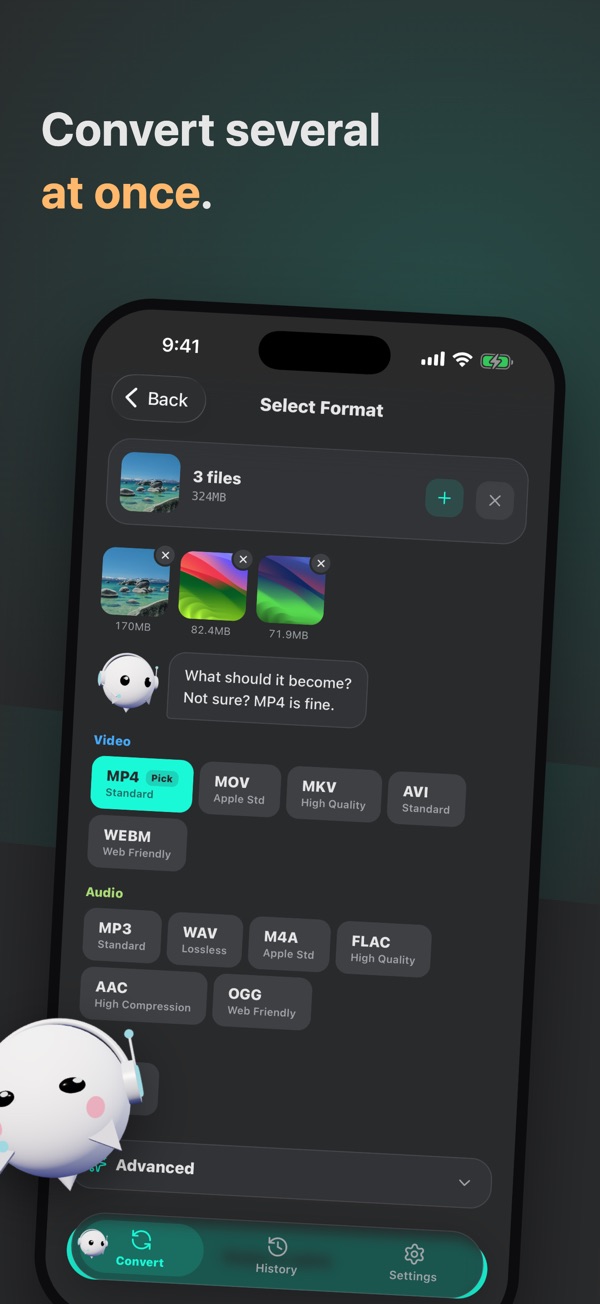
- Batch convertConvert several files at once.
Save results to Photos, or share them straight to messages and social apps.
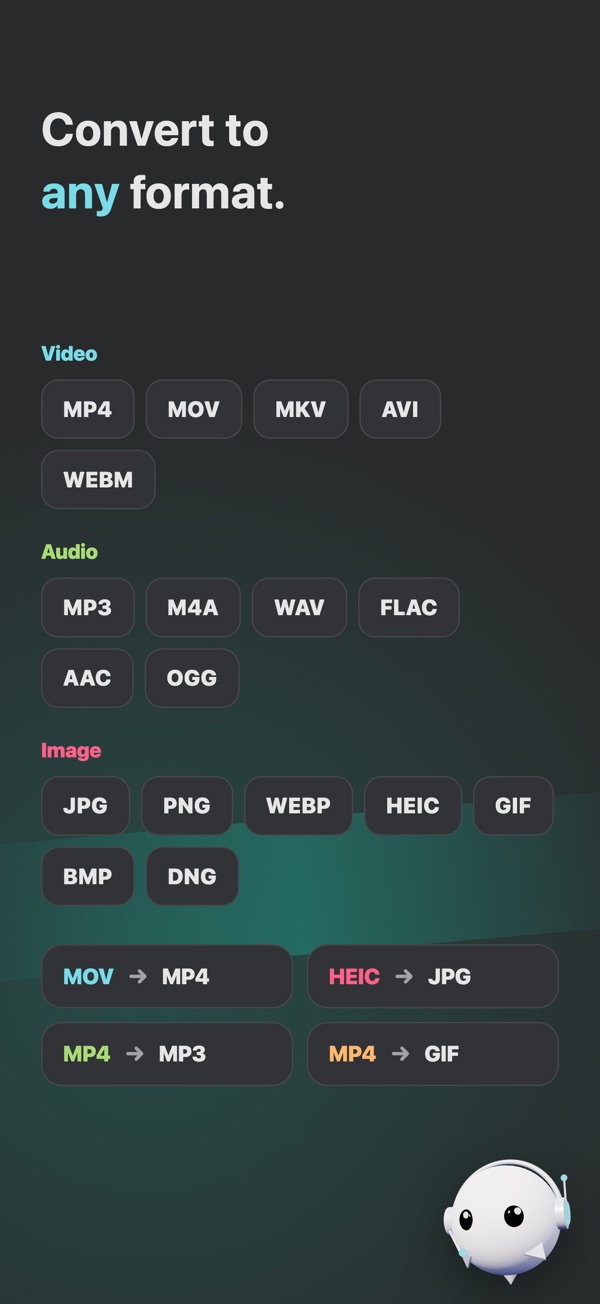
Supported formats
- Video
MP4 / MOV / MKV / AVI / WebM - Audio (can also be extracted from video)
MP3 / WAV / M4A / FLAC / AAC / OGG - Images
JPG(JPEG) / PNG / WebP / HEIC(HEIF) / GIF / BMP / DNG(ProRAW)
Free
- Every conversion works with no sign-up.
- Ads are shown.
- Batch conversion is up to 3 files at a time.
- Watch one ad to use Family features once (once a day).
Family (monthly, yearly or one-time purchase)
- All ads are hidden.
- Batch conversion has no file limit.
- Fine-tune quality, resolution, FPS and more.
- With the one-time purchase, you're Family for life with a single payment.
Subscription details
- The length and price of each plan are shown on the in-app purchase screen (a free trial may be offered).
- Payment is charged to your Apple ID account once you confirm the purchase.
- The subscription renews automatically unless auto-renew is turned off at least 24 hours before the end of the current period. Your account is charged for renewal within 24 hours prior to the end of the current period.
- You can manage or cancel your subscription anytime in Settings > Apple ID > Subscriptions on your iPhone.
- If you purchase while a free trial is still active, the unused portion of the trial is forfeited.