How to Use Chrome Extensions on iPhone (Dark Mode, Ad Blockers and More)
The Chrome app on iPhone doesn't support extensions like it does on a computer. Here's how to use Chrome Web Store extensions in a browser that runs them, how to use Safari extensions instead, and which popular extensions work on iPhone.
Posted
You want the extensions you use in Chrome on your computer on your iPhone too. But the Chrome app on iPhone has nowhere to add them. Here's what you can do.
The short answer
| What you want | Method | Effort | App |
|---|---|---|---|
| Use Chrome extensions as-is | Method 1: A browser that runs them | Easy | Yes |
| Stay in Safari and do something similar | Method 2: Safari extensions | Easy | One per extension |
Why Chrome on iPhone has no extensions
The Chrome app on iPhone looks like Chrome, but inside it runs on the same engine as Safari (WebKit). That was the rule for browsers on iPhone. So you can't add extensions the way you can on a computer.
Recent iOS (18.4 and later) can now run Chrome-style extensions on that engine. The browser in Method 1 uses exactly that.
Method 1: Use a browser that runs extensions (the easiest)
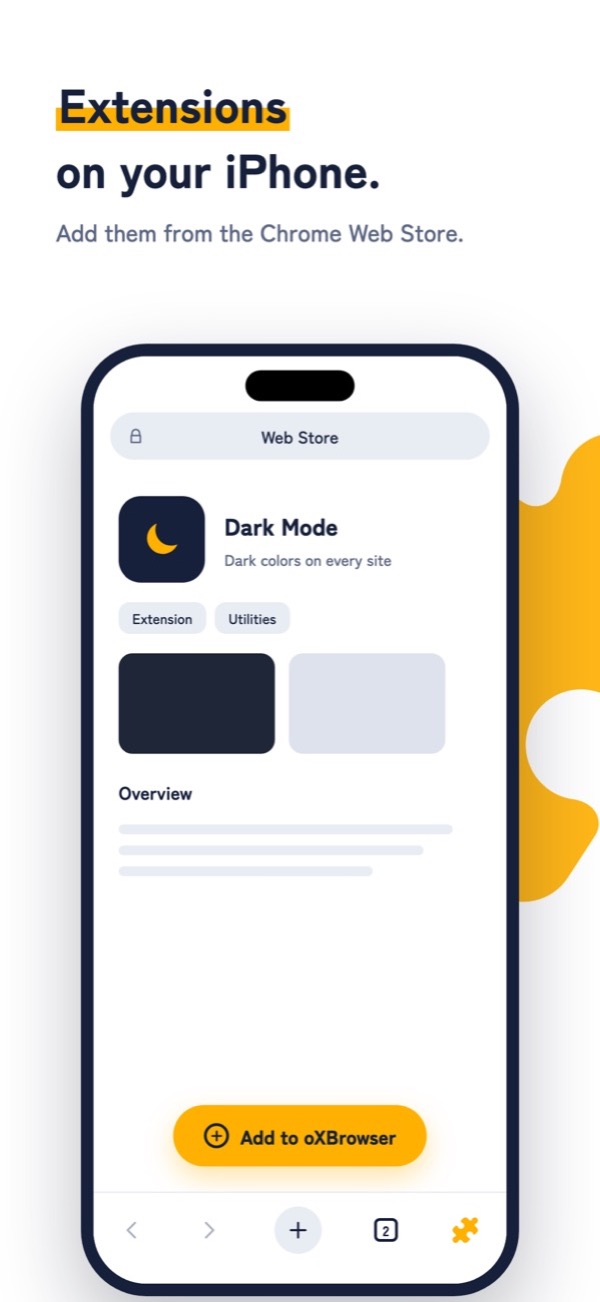
oXBrowser from shion.industries is an iPhone browser that adds extensions straight from the Chrome Web Store.
- Open the Chrome Web Store inside oXBrowser
- Find an extension and tap
Add to oXBrowser - Use it right away from the puzzle-piece button at the bottom right
- Supports the latest extension format (Manifest V3).
- Just like Chrome on a computer, choose where each extension runs: "On all sites", "On specific sites" or "On click".
- Add up to 3 extensions for free (with ads). Requires iOS 18.4 or later.
Popular extensions that work on iPhone
We checked these in oXBrowser.
| Extension | What it does | Works? |
|---|---|---|
| Dark Reader | Makes every site dark | Yes |
| uBlock Origin Lite | Blocks ads | Yes |
| AdGuard | Blocks ads | Yes |
| Google Translate | Translates selected text | Yes |
| DeepL | Translates selected text | Yes |
| JSON Formatter | Makes JSON readable | Yes |
| SponsorBlock | Skips sponsor segments on YouTube | With the desktop site |
| Return YouTube Dislike | Shows YouTube dislike counts | With the desktop site |
| Tampermonkey | Runs user scripts | No |
YouTube extensions are built for YouTube's desktop site. Switch with Request Desktop Website in the menu and they work.
Method 2: Use Safari extensions
Safari has its own extensions. They aren't Chrome extensions, but sometimes the same company makes a Safari version.
- Install the extension's app from the App Store
- Open the Settings app, tap these in order, and turn the extension on
- 1Settings
- 2Apps
- 3Safari
- 4Extensions
On iOS 17 and earlier, skip Apps: go Settings → Safari.
Each Safari extension is installed as its own app from the App Store. Some cost money, and some do less than their desktop versions.
FAQ
Do extensions work in Chrome on Android?
The Chrome app on Android doesn't support extensions either.
Are extensions safe?
Some extensions can read the pages you visit. Only add ones that are widely used and well reviewed. In oXBrowser, you can limit which sites each extension can run on.